
Why does restarting a device fix so many problems?
The Real Answer
Restarting a device can fix many temporary problems because it stops running software and reloads the operating system and other system components from a cleaner starting state. That can clear processes that are stuck, temporary memory or resource problems, stale connections, and other short-lived states that built up while the device was running.
A restart can also complete updates or configuration changes that do not fully take effect until parts of the system are started again. Different problems can therefore disappear after the same simple action even though they did not all have the same underlying cause.
Restarting is not a permanent repair for everything. If the same problem keeps returning, the underlying cause may be buggy software, a driver, corrupted files, a configuration problem, failing hardware, or something else that needs its own fix.
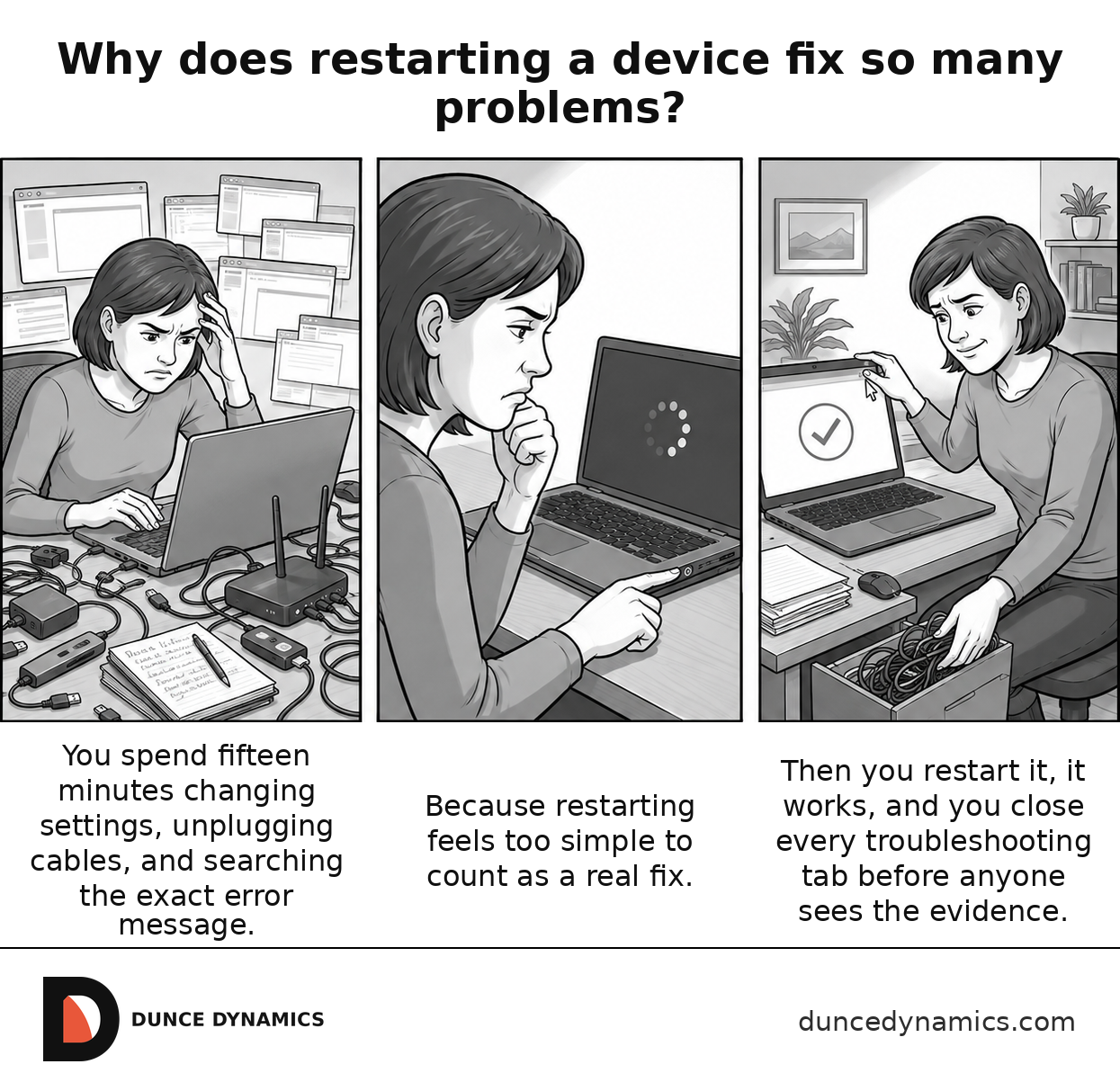
Restarting a device is the troubleshooting step everybody resists because it feels too simple. You spend ten minutes changing settings, checking cables, and blaming the update, then restart it and never ask another question once it works.
The Dunce Dynamics Institute Examines Why People Ask This
People ask because restarting often feels too crude to be a real technical solution. Nothing new was installed, no hardware was replaced, and the same device comes back a minute later behaving normally. The surprise is that restarting changes a large amount of temporary running state even though the device itself has not physically changed.